(2 min.)
Log In!
Students Logged In


"Title"
Episode # ・ [] Galaxy
Get Ready!
Part 1

Last time on
Star Stuff!
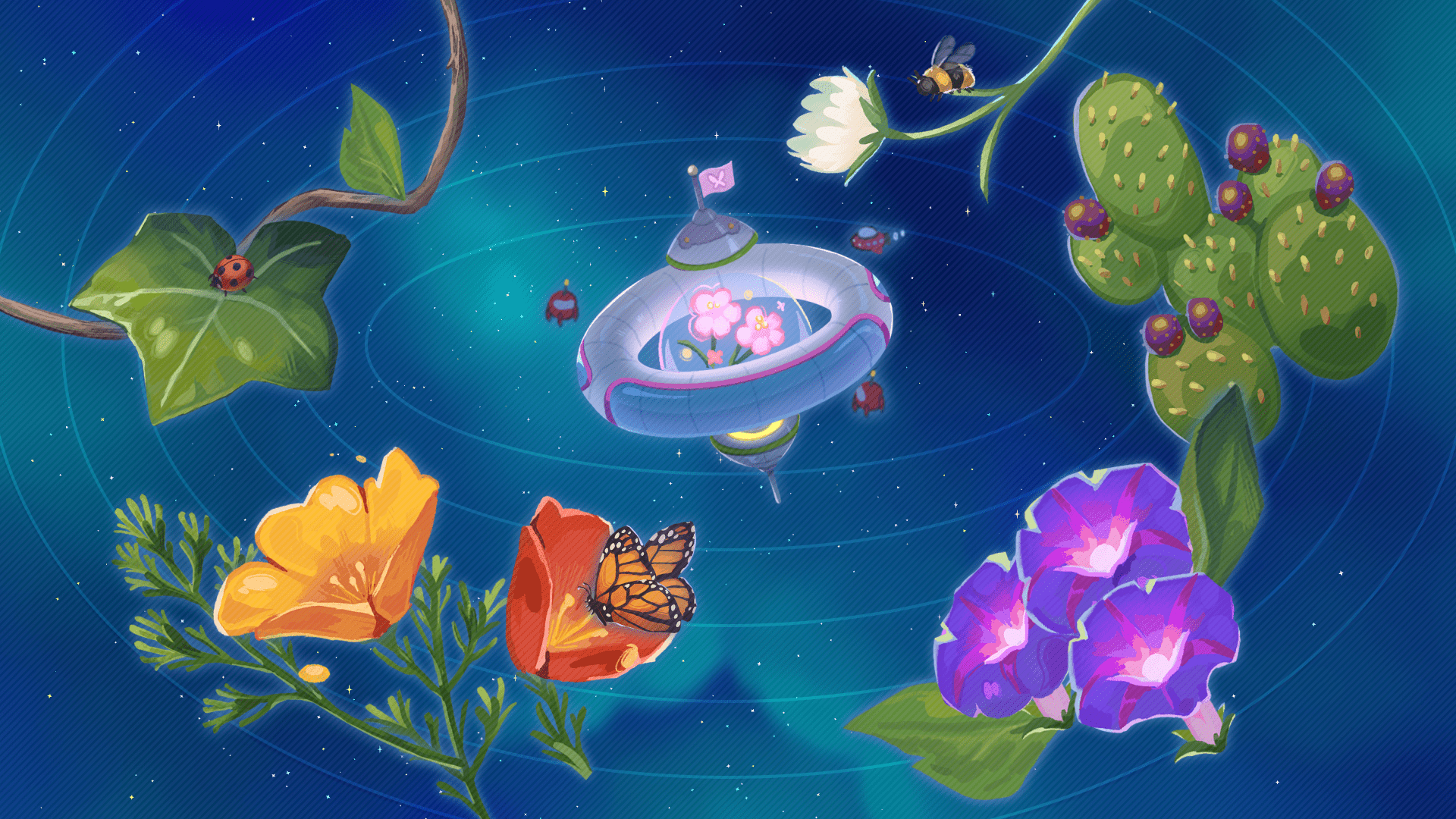
Our story continues...

Visual Novel Style. One Line
NAME
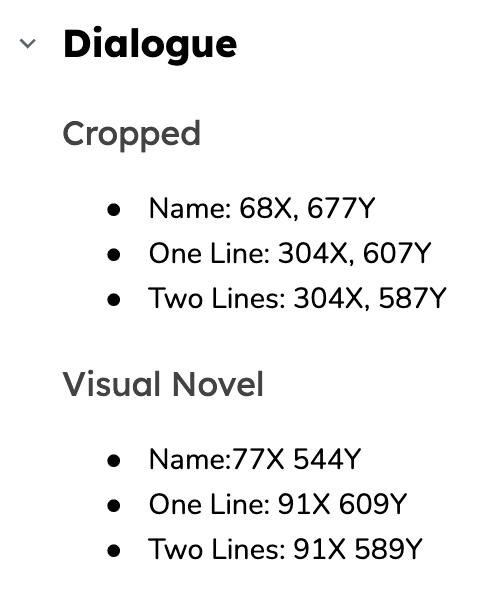
Visual Novel Style.
Two lines.
NAME

Cropped Style.
Two lines.
LUZ
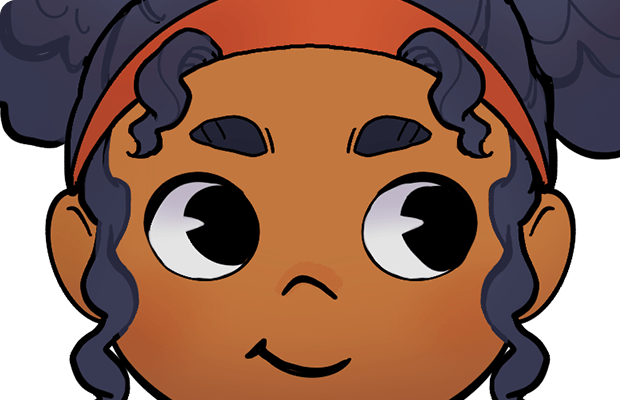
Cropped Style. One Line.
LUZ
Explore!
Part 2

Think about
this question while you play...
Learn!
Part 3
Time for a Video!
Let’s make sure volume is turned up and everyone can see before going to the next slide.

Keep Going!
Part 4
Keep this in mind as you play...
Check In!
Part 5
Let's Discuss! (2 mins)
Discussion Question?
Until next time...
wait for

D
pick up at

pick up at
D
drop at

B
wait for
C
wait for
C
wait for
Dialogue Boxes
Polls, Instructions
wait for

turn
go to

A
A
go to
turn
turn
D
drop at
A
go to
D
drop at
A
wait for
E
pick up at
jump to
turn
jump to
jump to
jump to line
jump to line
jump to line
jump to
jump to line
jump to






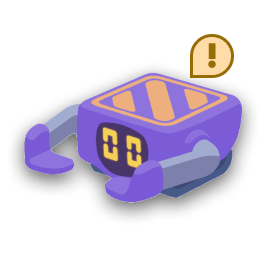


Computer
New Code



A
Problem-Solving Steps

3. Try the solution
4. Reflect on the solution
2. Plan a solution
1. Understand the problem
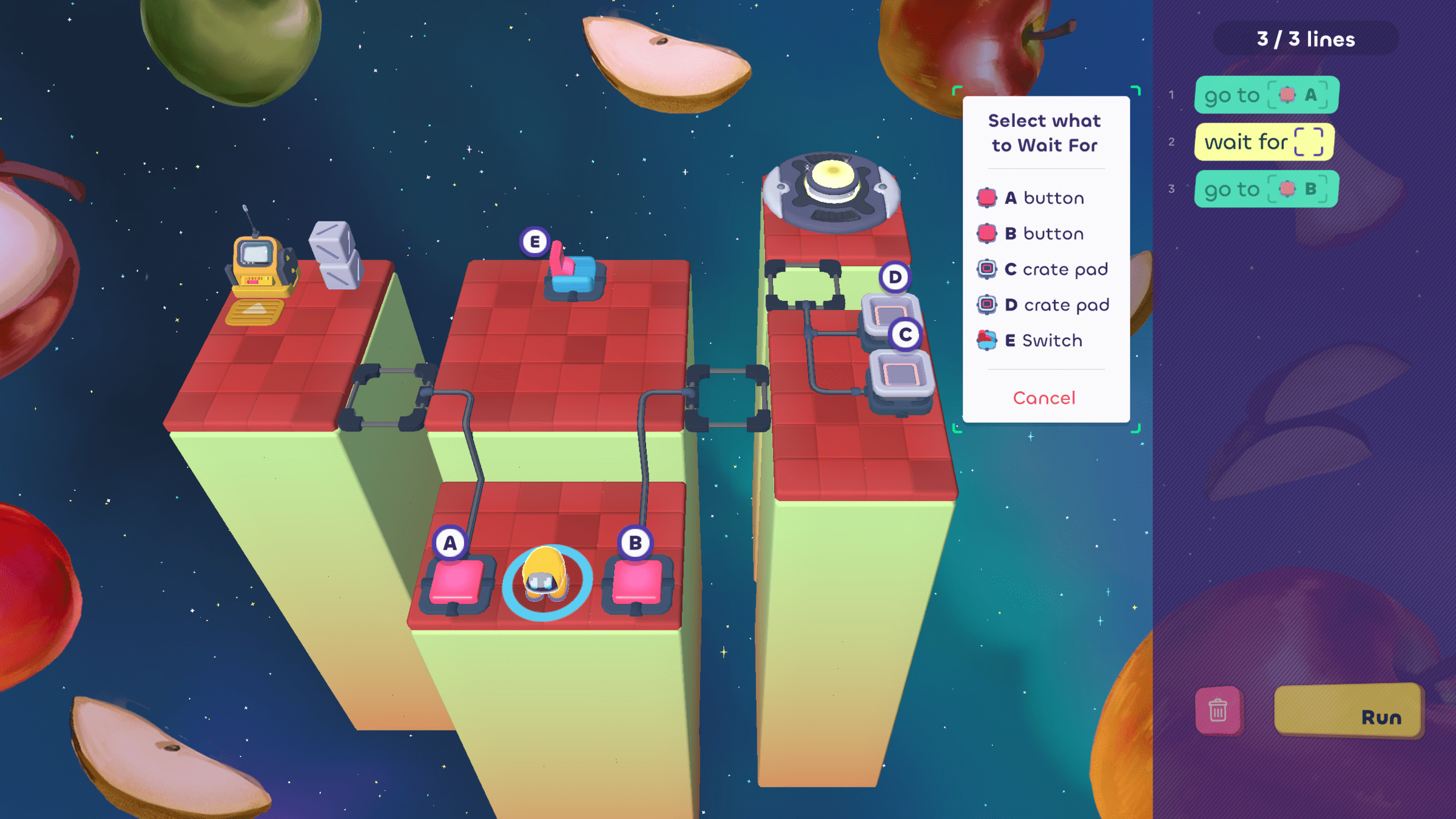
Which event should the bot wait for?
Think independently before starting poll
Poll Preview


Vote!
Which event should the bot wait for?
Polling...
Responses


Button A
1
2
3
4
Button B
Crate Pad D
Switch E

Vote before Discussing
Polling...
Responses
What does telling a bot mean?
wait for
Wait for a specific signal
Wait for Luz to write more code
Wait for a specific amount of time
2
3
1
Let's Pair Share!
What does telling a bot mean?
How do you know?
wait for
Wait for a specific signal
Wait for Luz to write more code
Wait for a specific amount of time
2
3
1
Vote!
Polling...
Responses
3
2
1
Both
Their own actions
The bot code
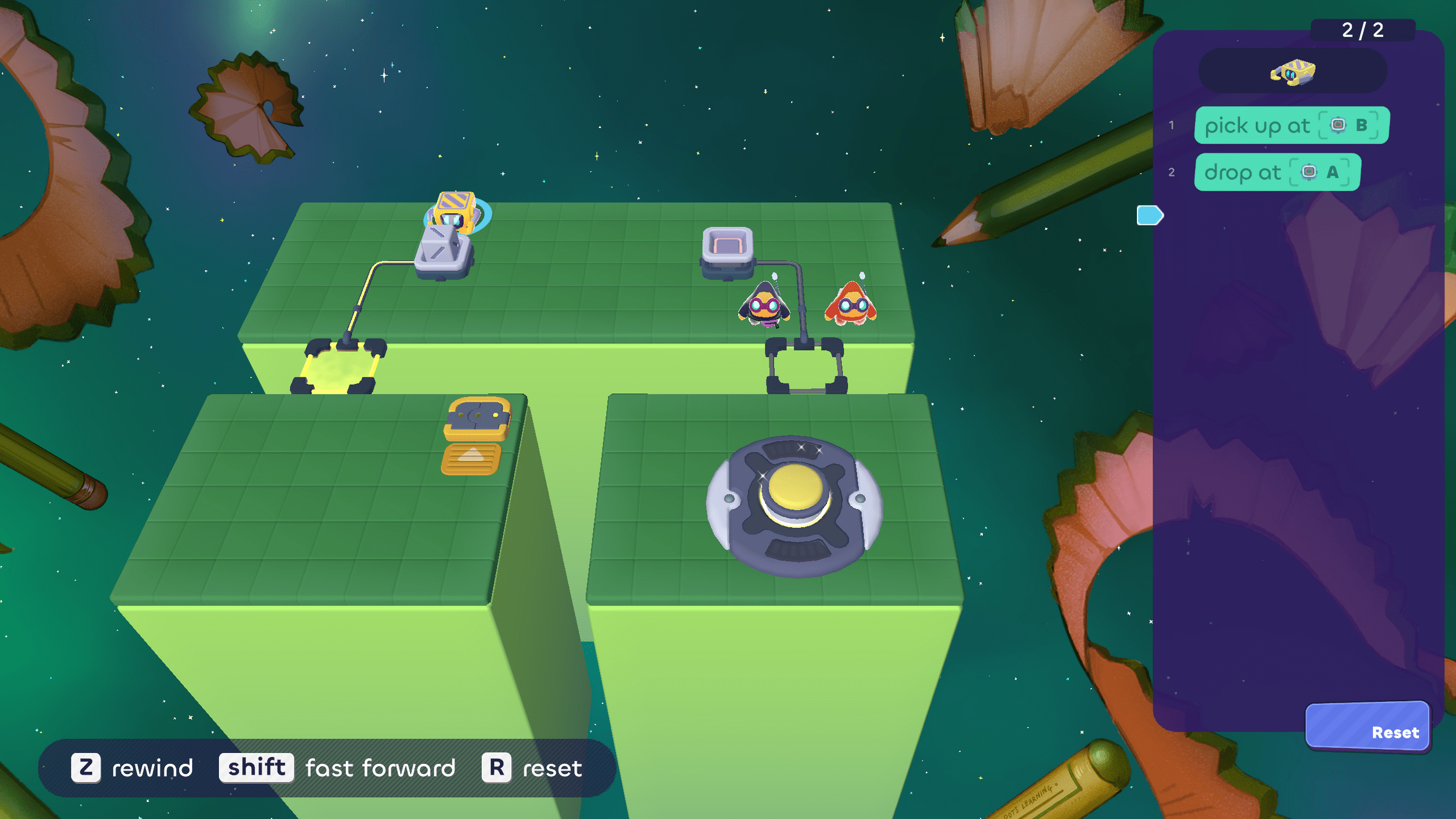
Luz and Valeria are stuck trying to cross the next bridge. Which part of their solution needs more work?
Vote before Discussing
Polling...
Responses
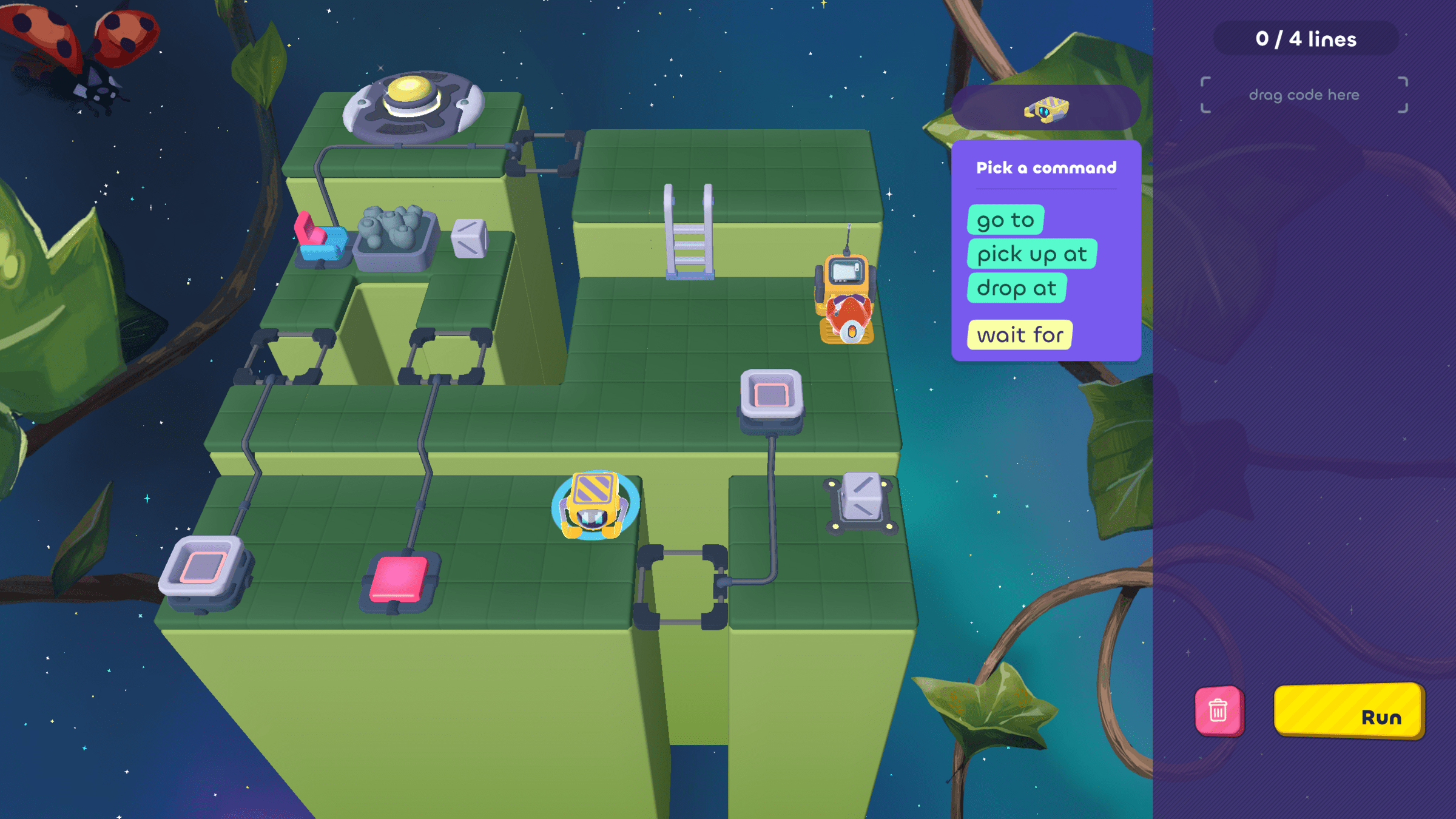
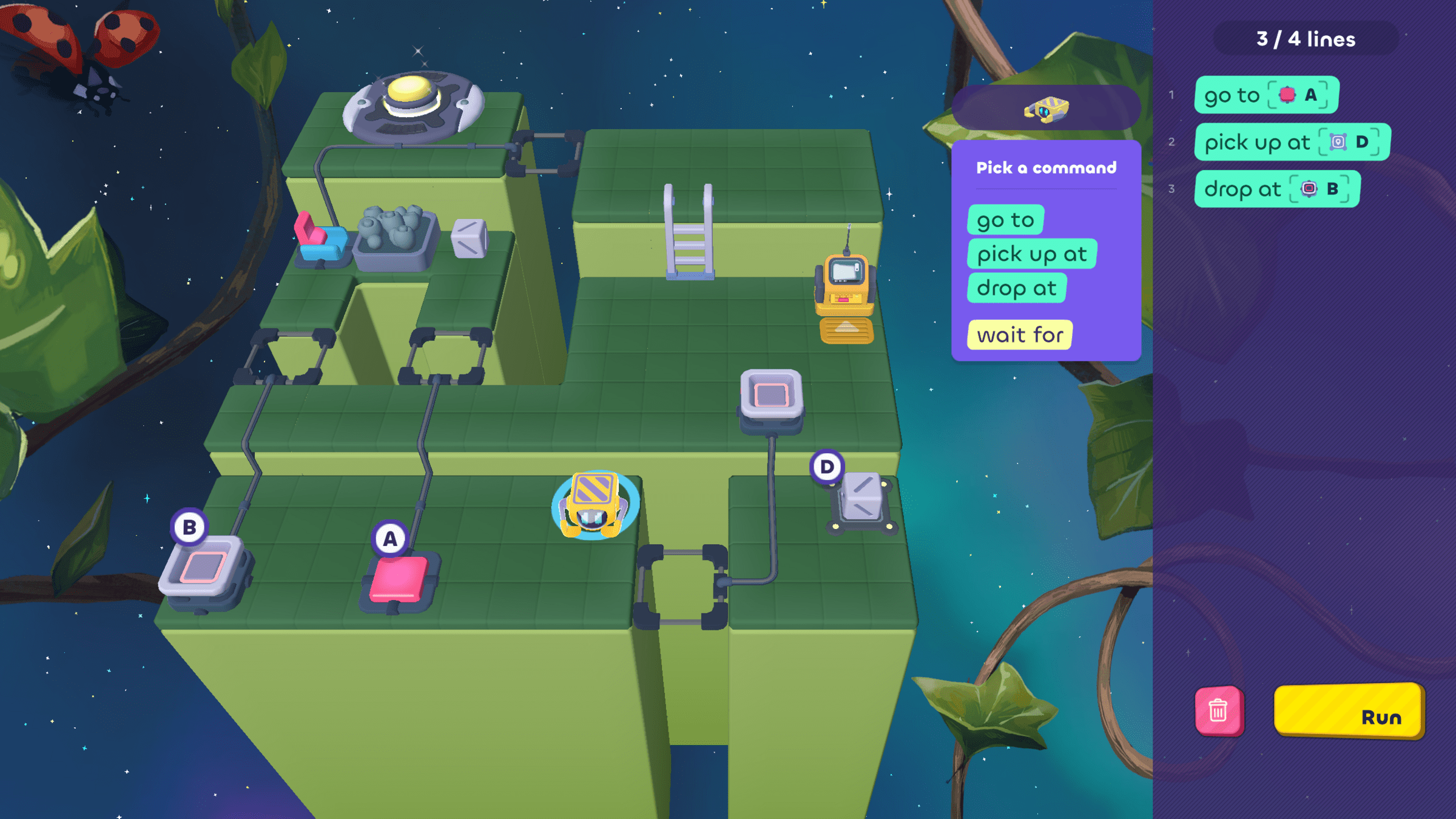
What should the Grabber bot do first?
go to
A
wait for
C
pick up at
D
1
2
3
E
B
C
A
D
What should the Grabber bot do first?
Let's Pair Share!
go to
A
wait for
C
pick up at
D
1
2
3
E
B
C
A
D
Vote!
Before:
Polling...
Responses
E
B
C
D
A
pick up at
D
drop at
B
1
2
3
Before:
Before:
A
go to
Luz needs to add a wait for block
to the code. Where should it go?
wait for
Vote before Discussing
Which bot should move first?
Polling...
Responses
2
The Grabber
The Walker
1

3
Both should move
at the same time
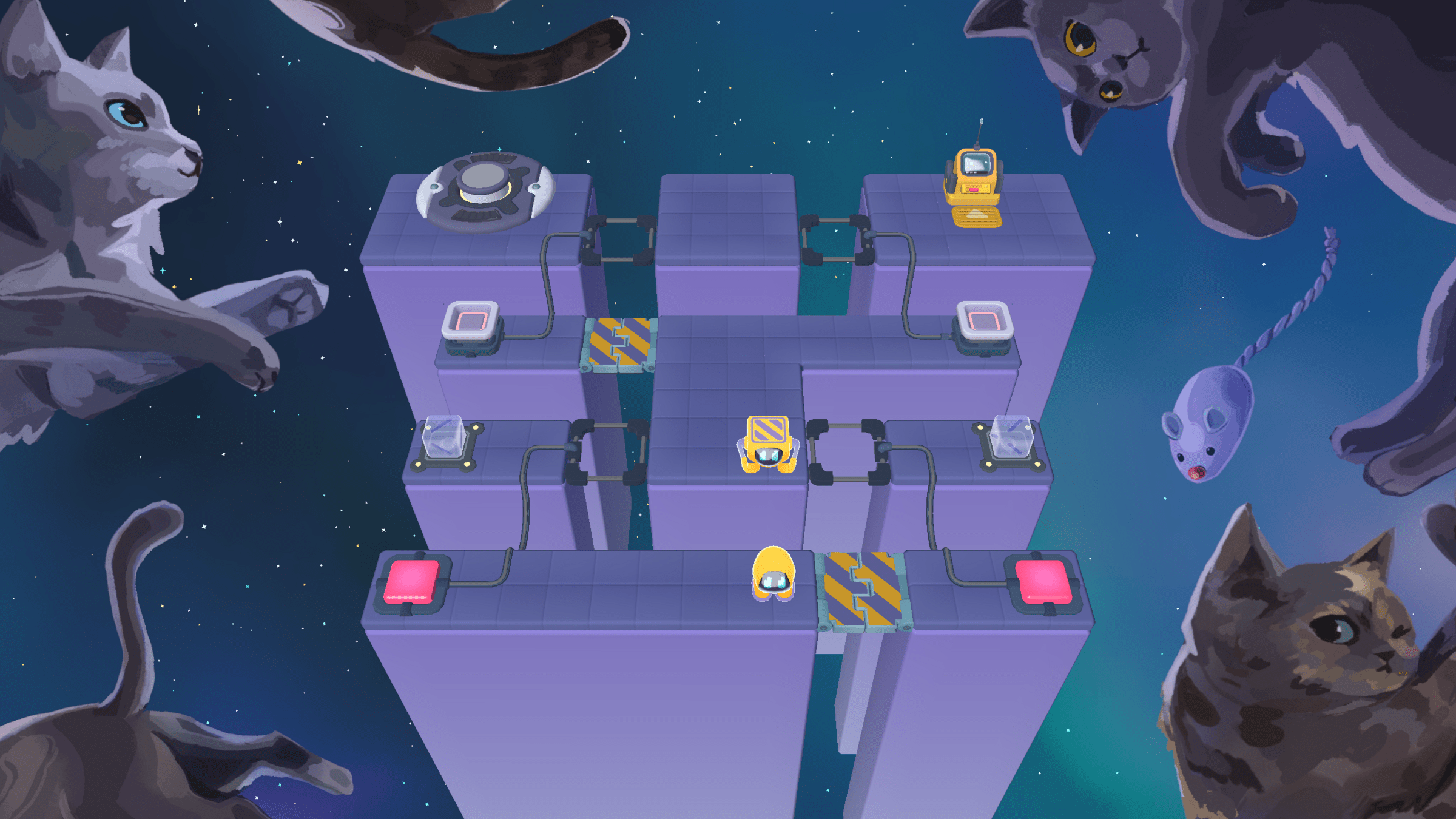

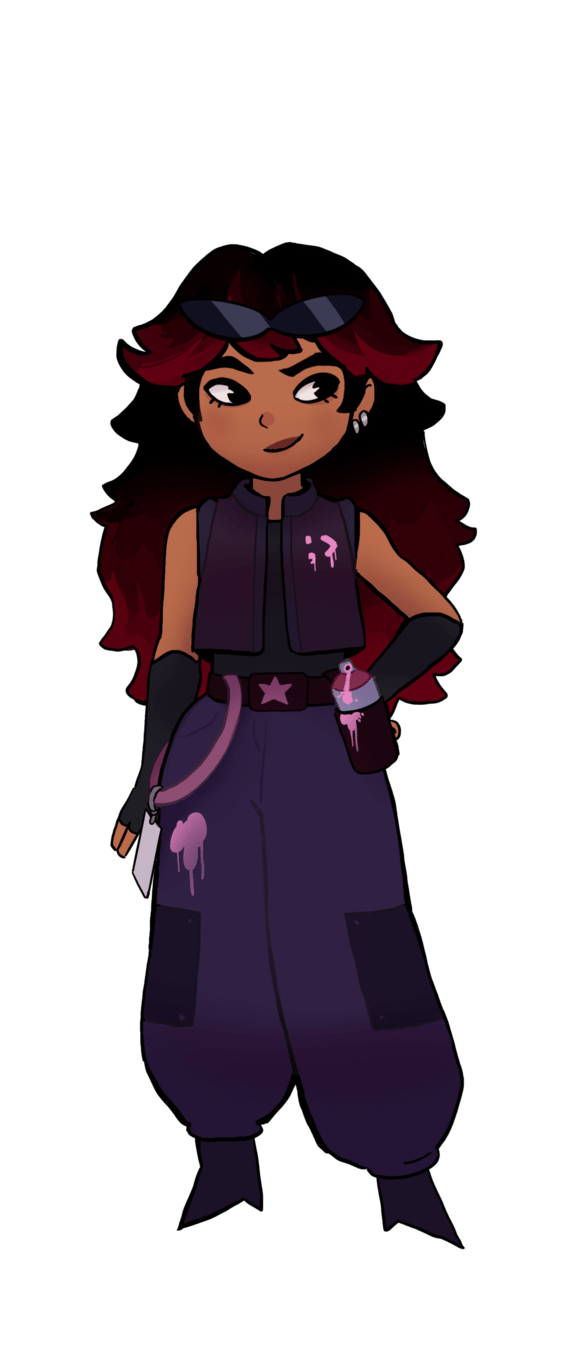
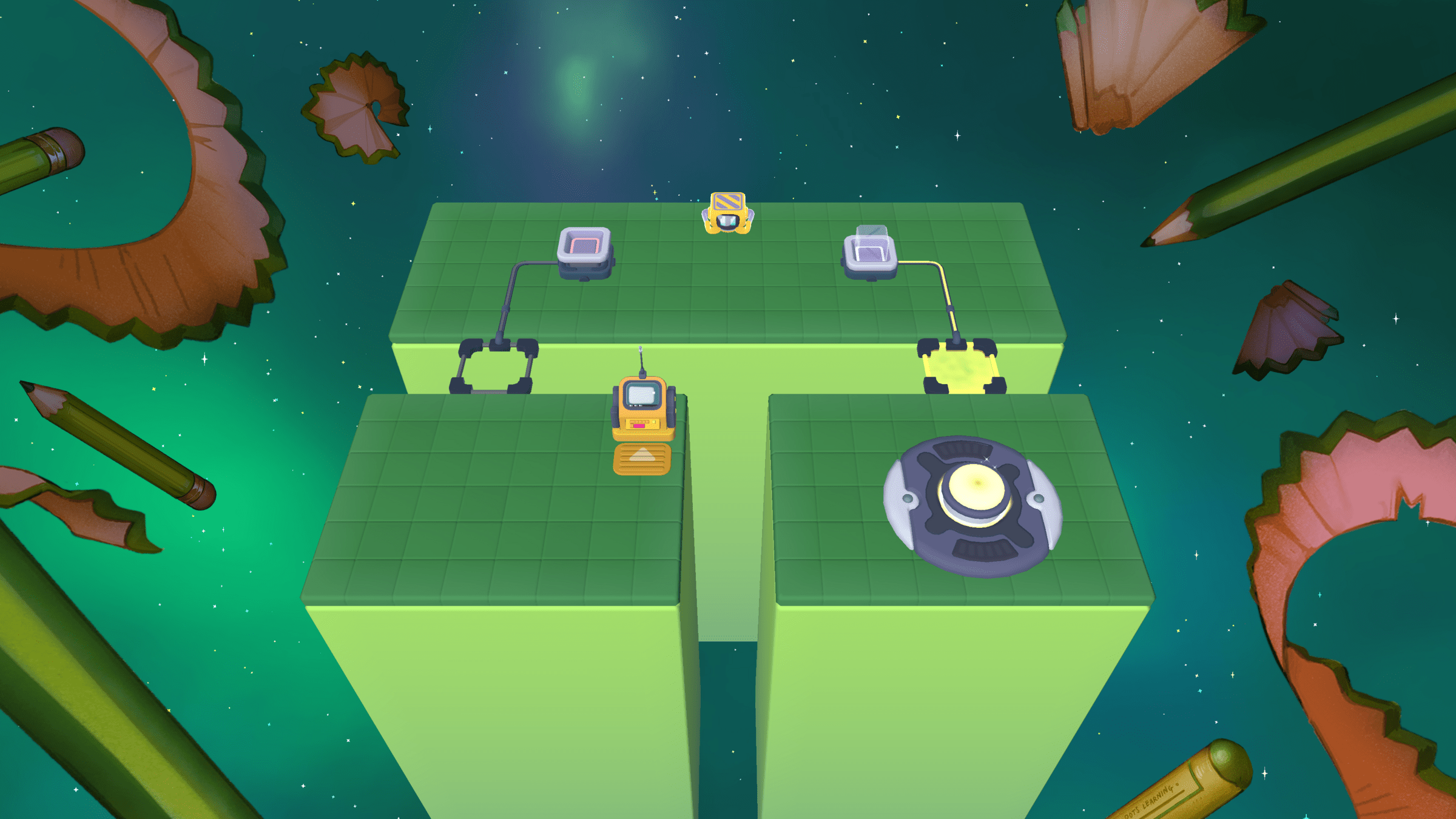



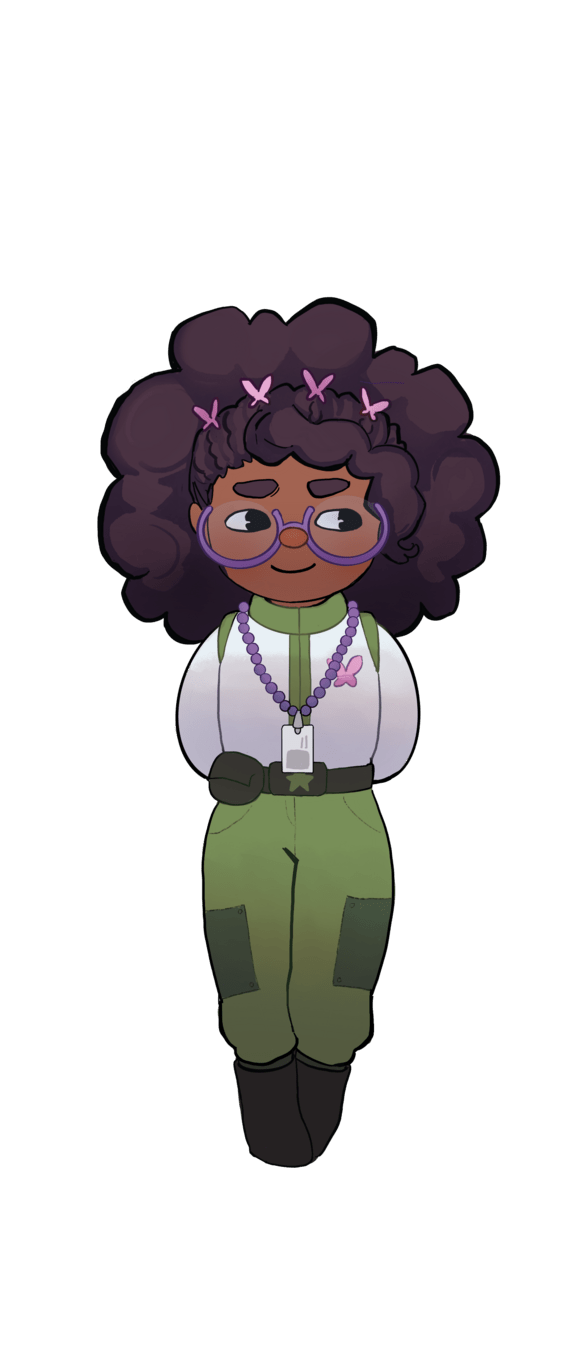
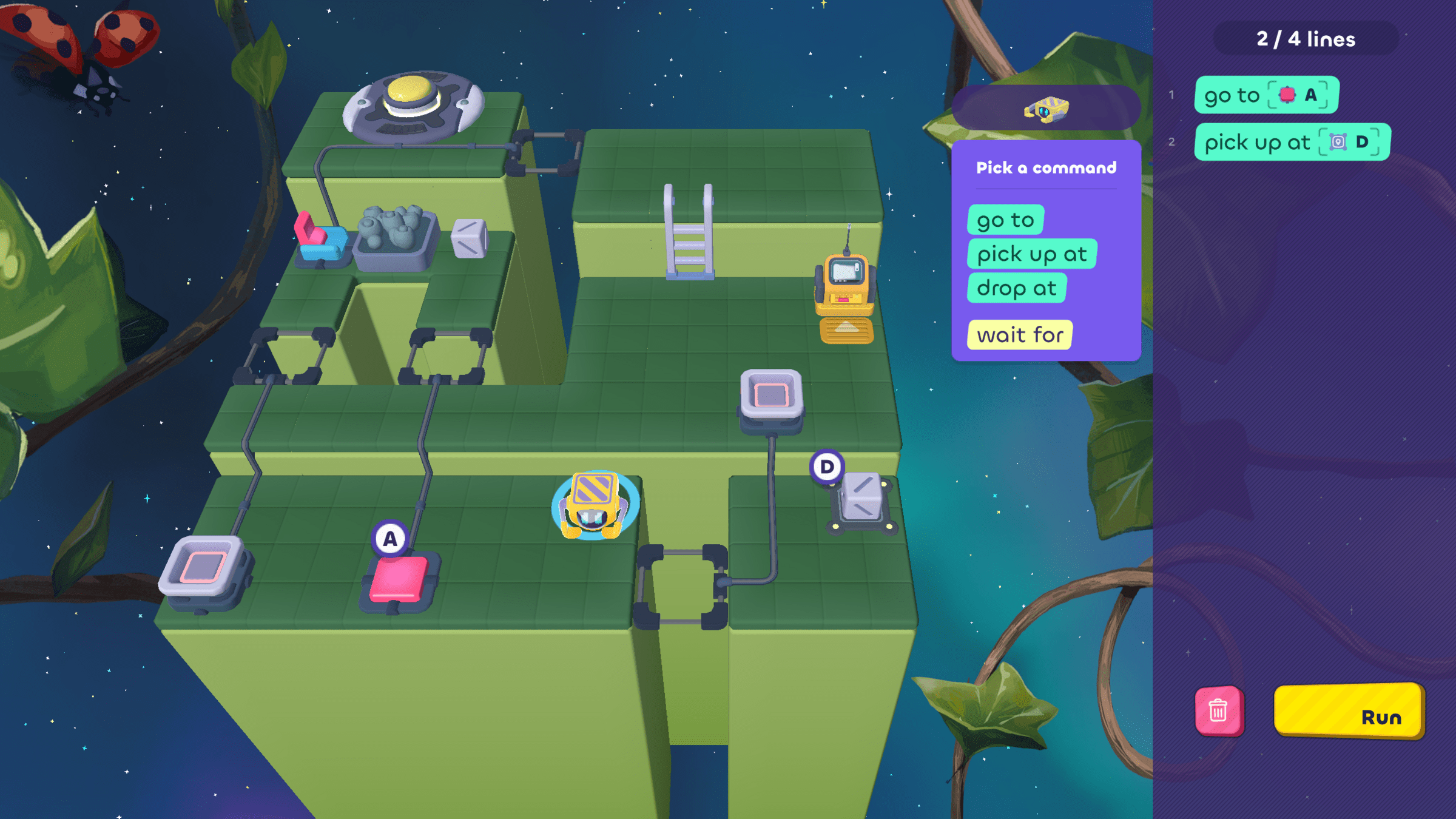
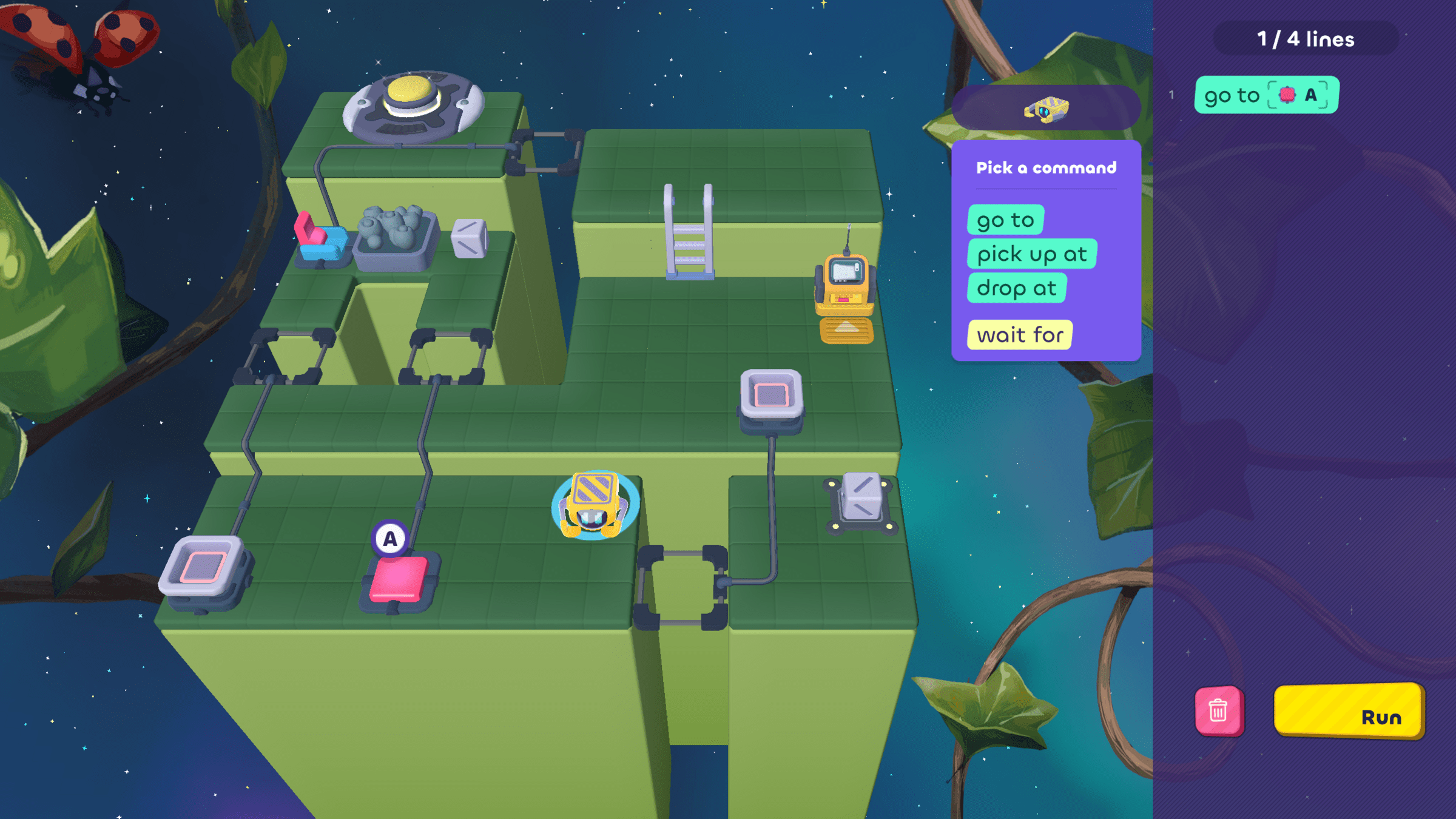
Then the bot can pick up the cube at position D...
LUZ
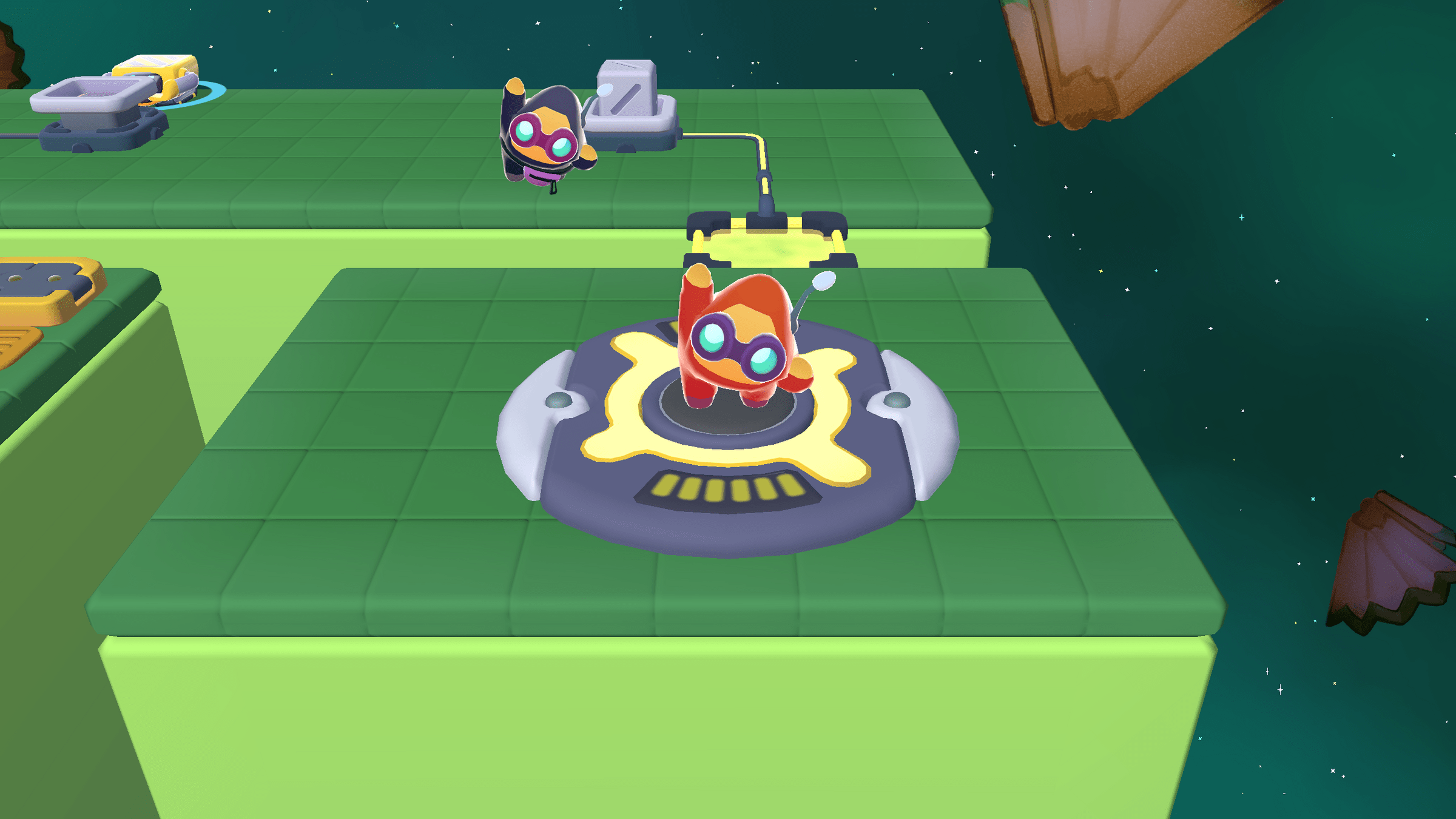
Meanwhile, Sol...
Tinker to understand how BOOM and WEAK work!
- Touch and push objects


- Use blocks to make and break rules
- Pause to read rules
with the Inspector
- Ask, "What do I notice?" after trying something
In problem 1, which of Zorro's observations is the most useful?
- The lava is orange
- There's a lot of snow
- There's a rule for ROCK IS DEFEAT
- Walking on lava seems scary
Be ready to vote then discuss
why after time is up!
Think about this question while you play...
What does the
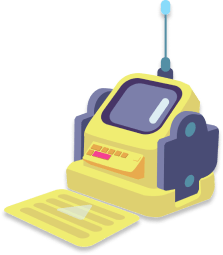
yellow computer do?
- Lets you message other people
- Tracks the amount of stardust
- Tells the bots what to do
- Plays videos
Be ready to vote then discuss
how you know after time is up!
Keep this in mind as you play...


Watch out for rogue bots!
You can't change their code. Read and run the code to figure out what to do.
If you get stuck, you can
rewind with Z and reset with R.
Use wait for to make a bot wait
for a specific event, like pressing a button or flipping a switch.
wait for
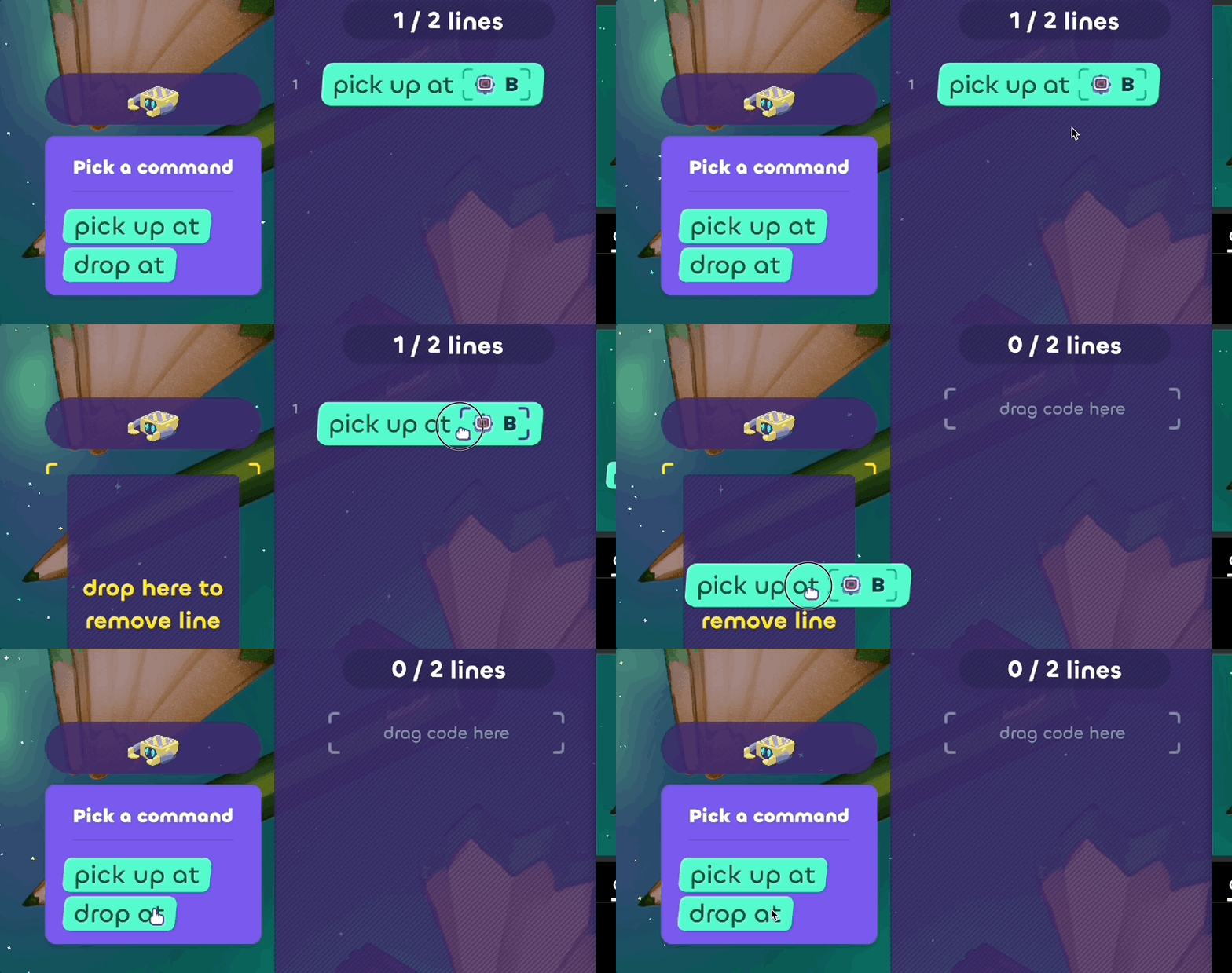
Keep this in mind as you play...
Made a mistake? No problem!
To delete a line of code,
drag and drop it to the left.
Keep this in mind as you play...
Made a mistake? No problem!
Remember to run your code often, even if you're not done!

Reset from the beginning
Press the R key
Rewind time
Press the Z key
Delete all code
Click the trashcan
Think about
this question while you play...
- Pick up at D
- Wait for C
- Go to A
Be ready to vote then discuss
how you know after time is up!
go to
A
wait for
C
pick up at
D
What should the
Grabber bot do first?
You can also use the Inspector
to read rules and learn more about state blocks!
- What do I notice and what could be useful?
- What is the goal?
- What is blocking me
from the goal? Why?
To understand a problem,
ask yourself these questions:
Once you understand a problem,
plan a solution by asking yourself these questions:
- How can I break this problem into smaller steps?
- What order should I do these steps in?
Work independently
to solve problems!
Next lesson, you will solve problems independently to show what you’ve learned!
Asking the Guiding Questions
Inspecting rules and objects
Inspecting state blocks
If you get stuck, try:
In problem 1, learn about SINK
by making the rules shown below.

SOL IS SINK
GOLD IS SINK
FOSSIL IS SINK

Both 2 and 3
Which rule(s) are helpful
for solving the problem?
1
2
3
4
Be ready to vote then discuss
after time is up!

Click to undo
your last move
Click to reset
the problem


Inspect state blocks
Inspect rules and objects
Reset the problem
Shortcut: Press the R key
Undo your last move
Shortcut: Press the Z key
As you play, make observations
about problems by asking yourself:
"What do I notice and
what could be useful?"
Some useful things to notice are:
- Rules that are already
in the problem - New rules you could make with the blocks in the problem
Focus on rules
See a reminder of how a state block works

Sol's friends will ask you
questions during your journey.
Try to help them out by
answering correctly!
